
Your thumbnail earns the click.
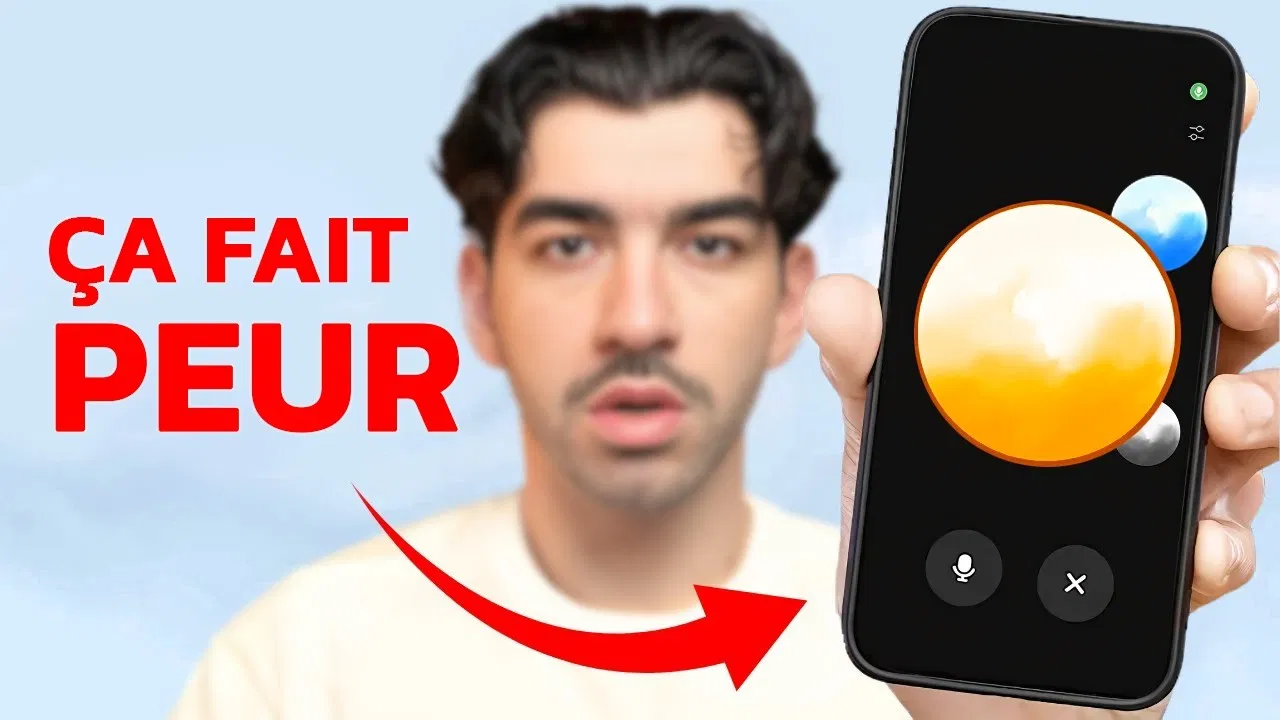
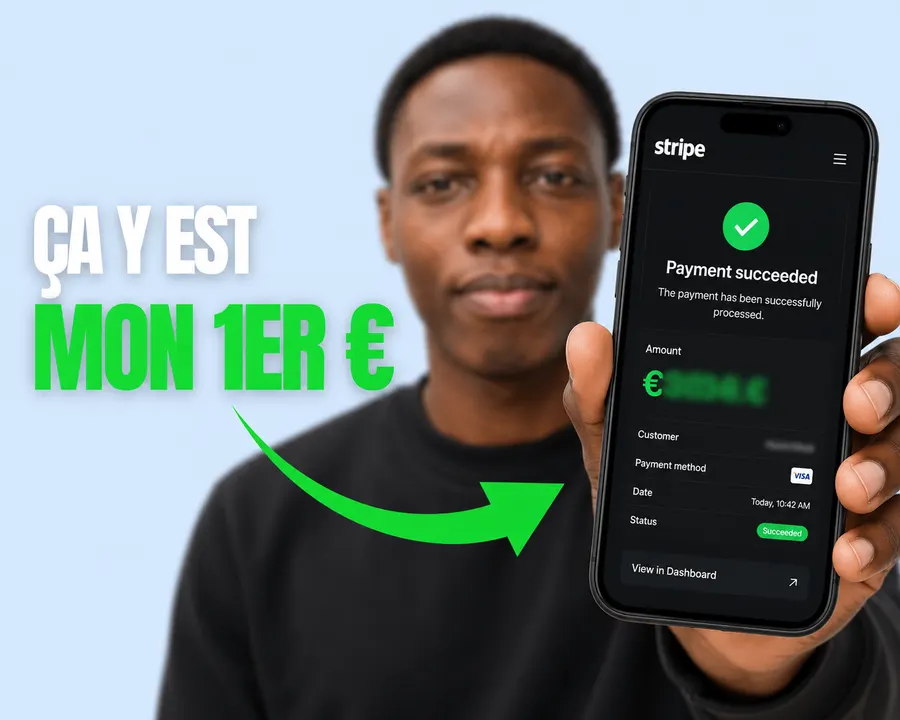
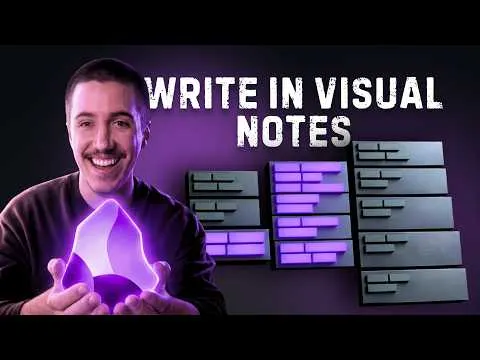
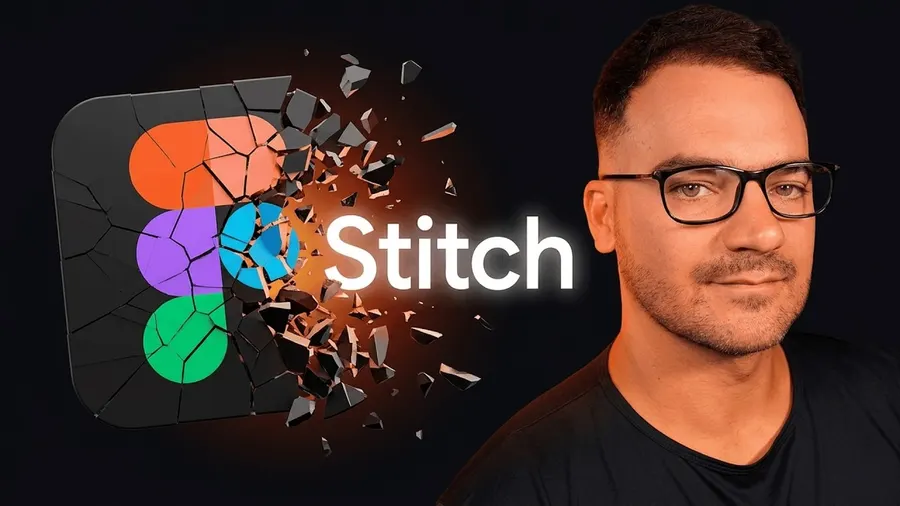
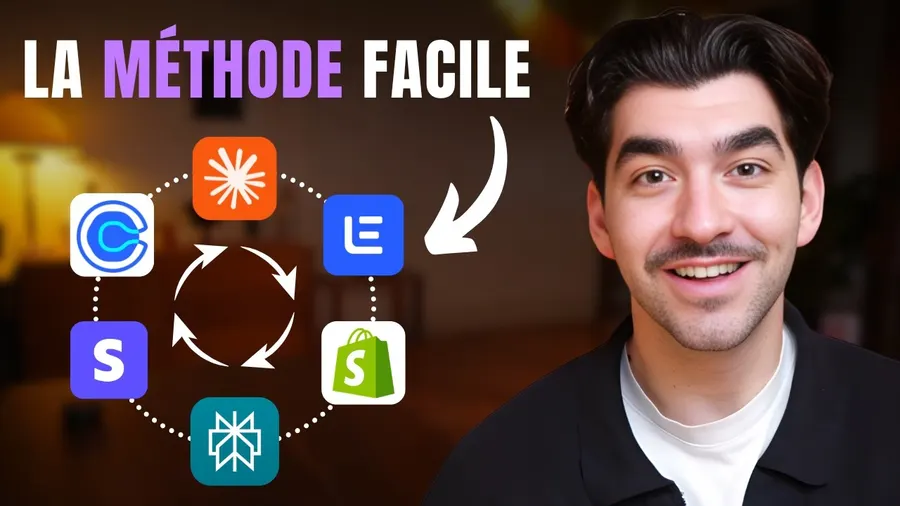
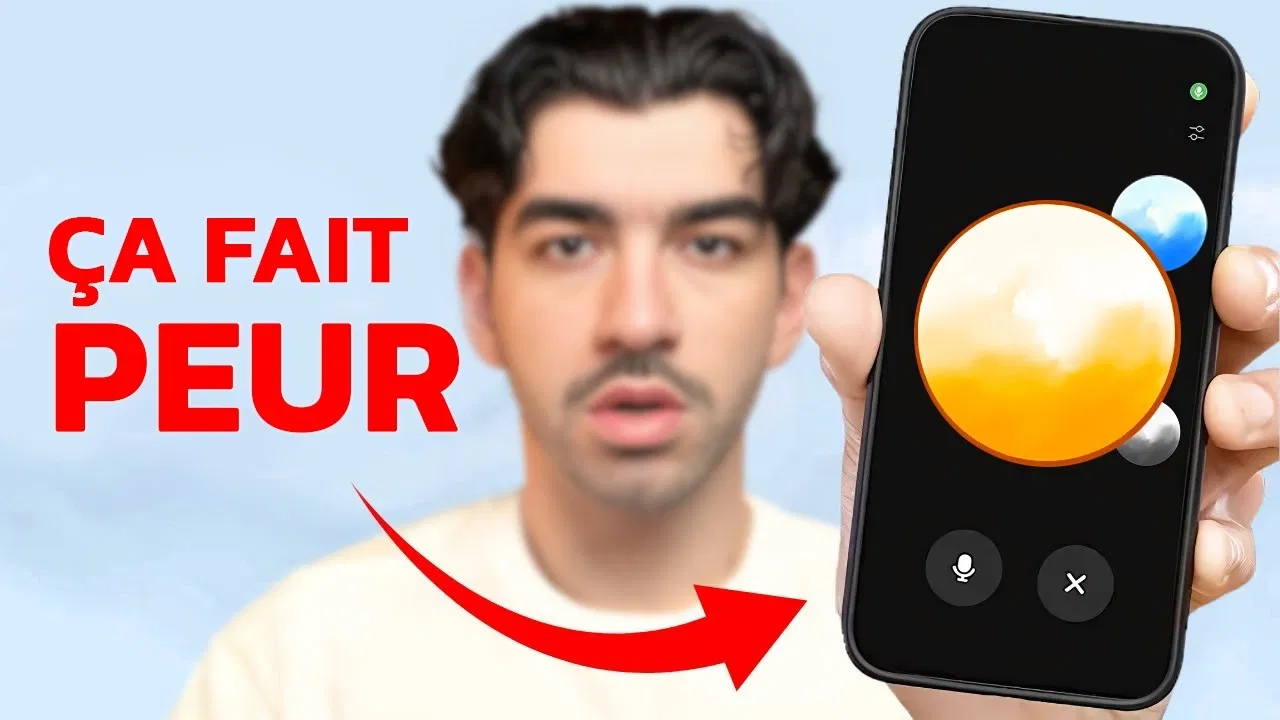
Paste the link of a thumbnail that made you click, add your face and your headline, and Kreafy generates up to four variants.
No credit card required5 free visuals
The thumbnail that made you click, made yours
Same framing, same contrast, same energy, with your face and your headline.
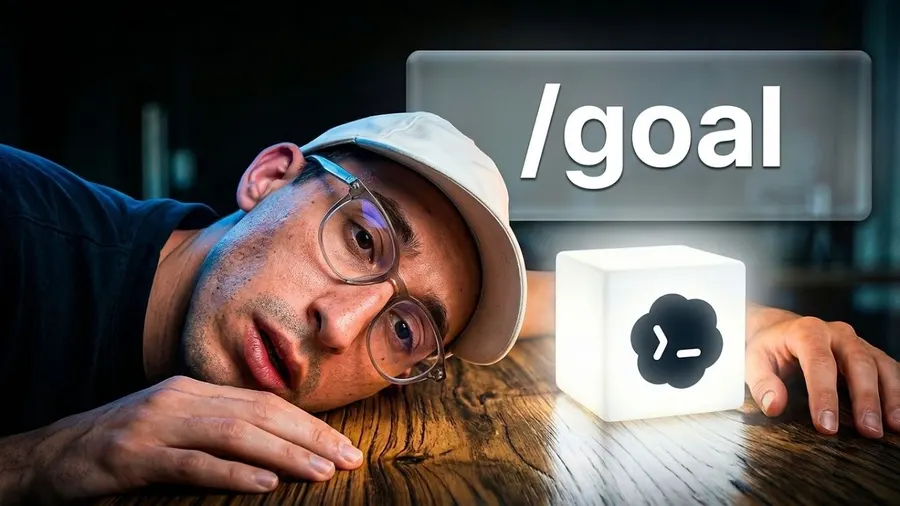
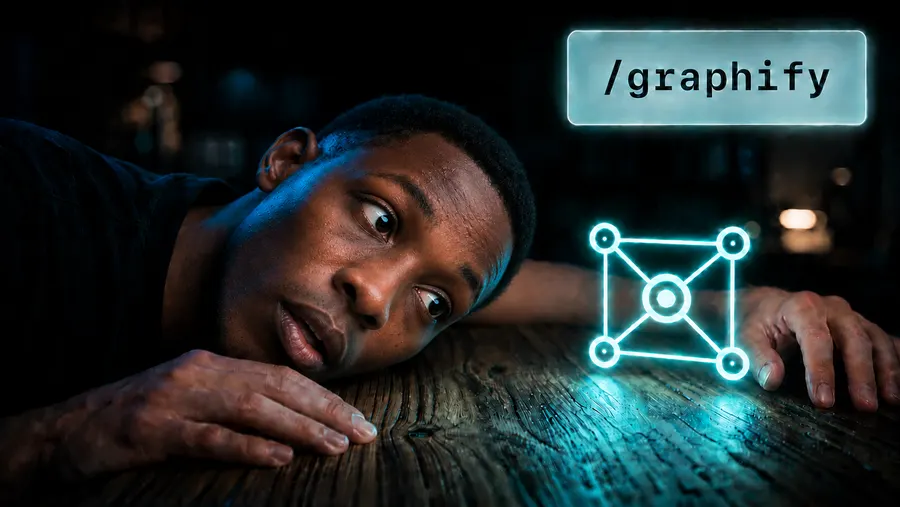
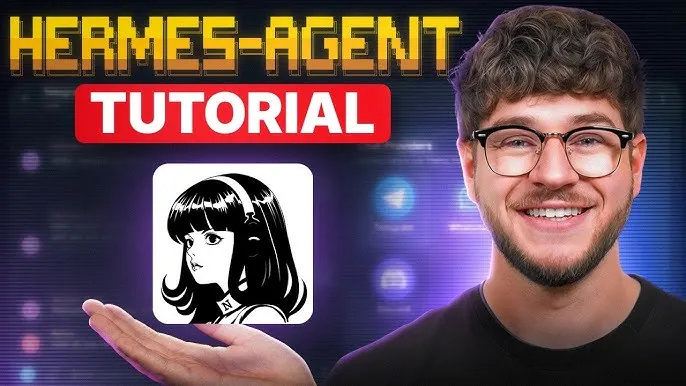
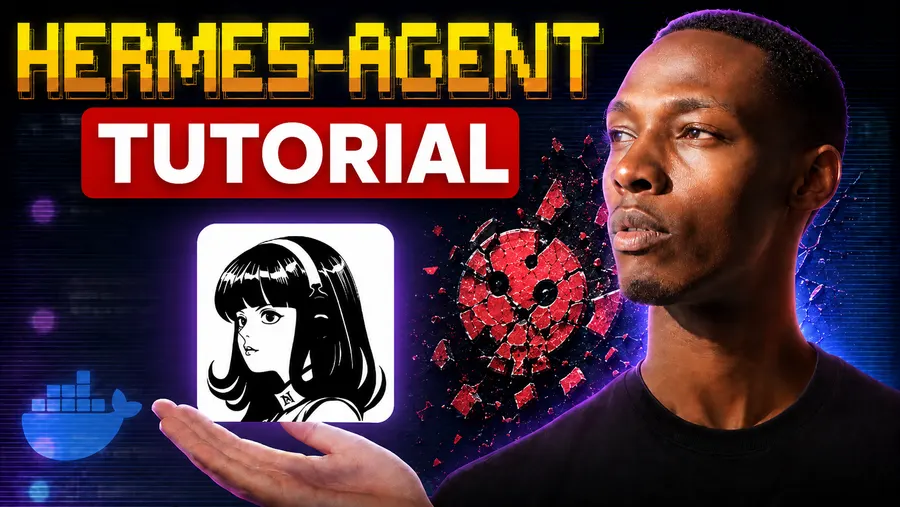
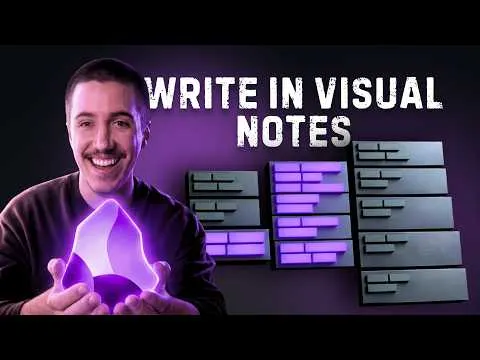
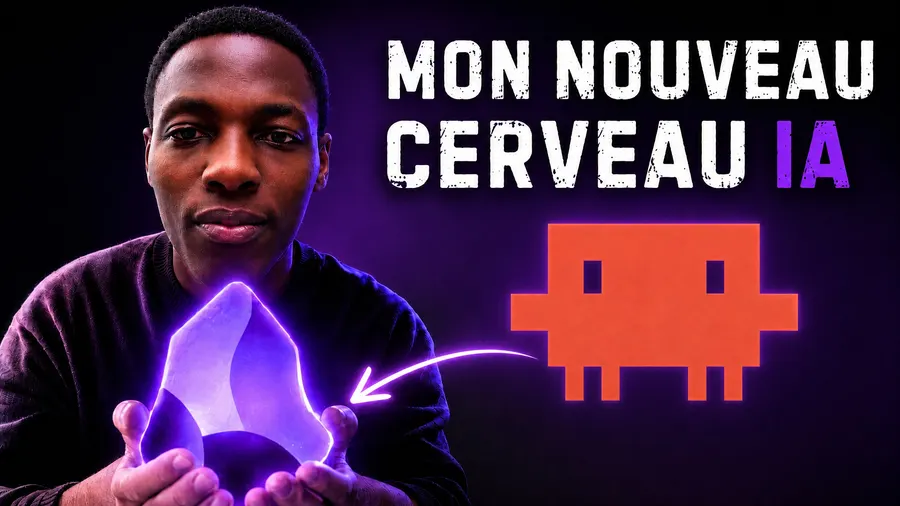









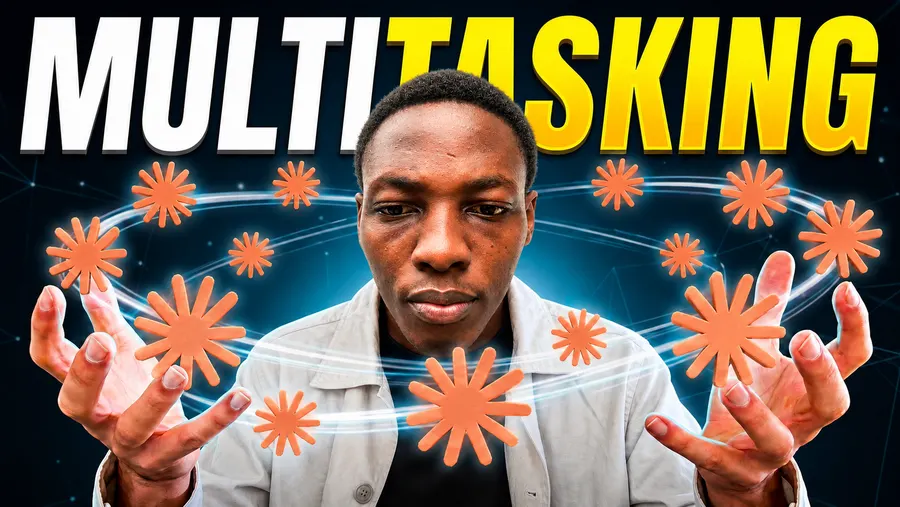
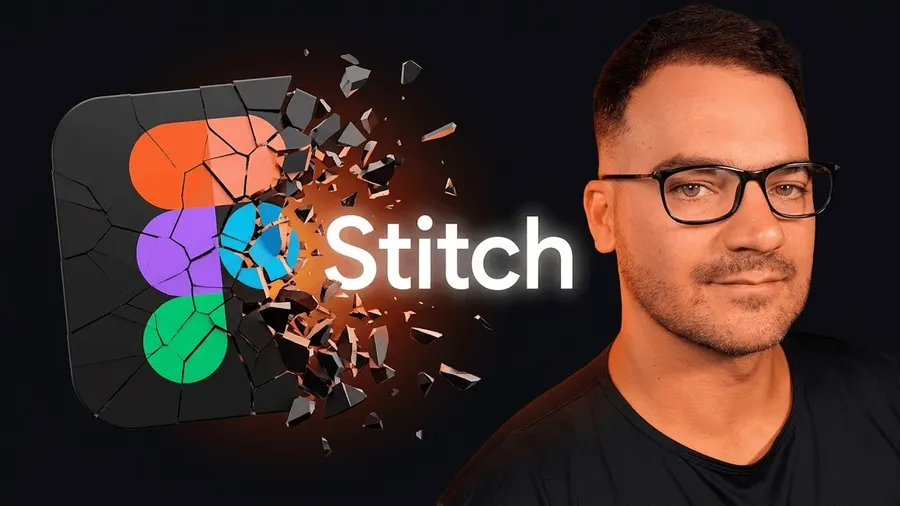
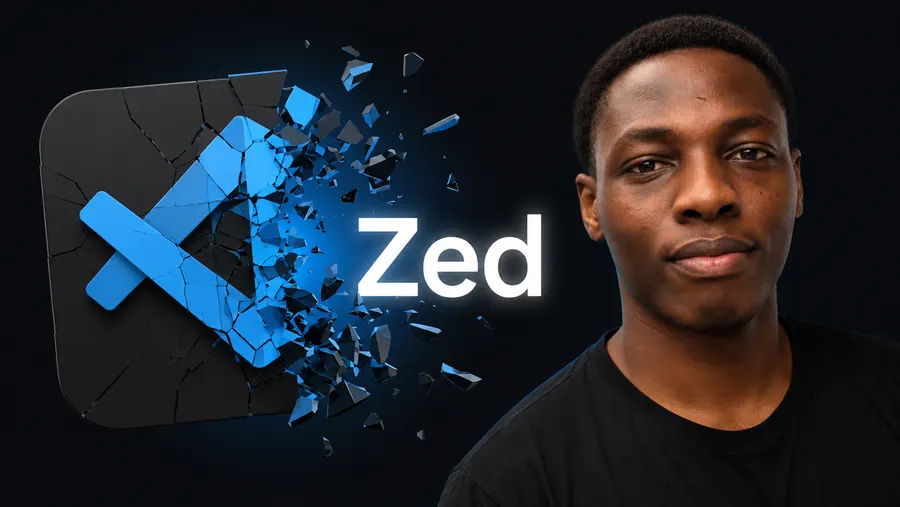
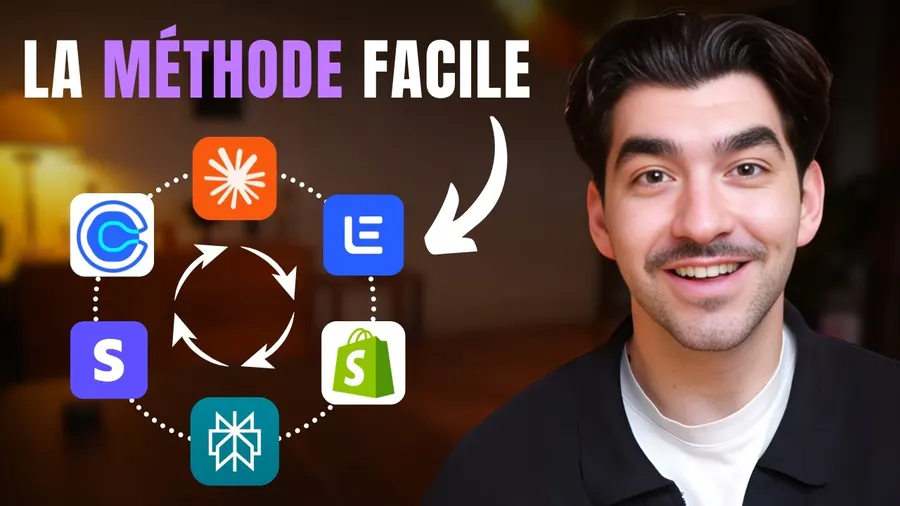
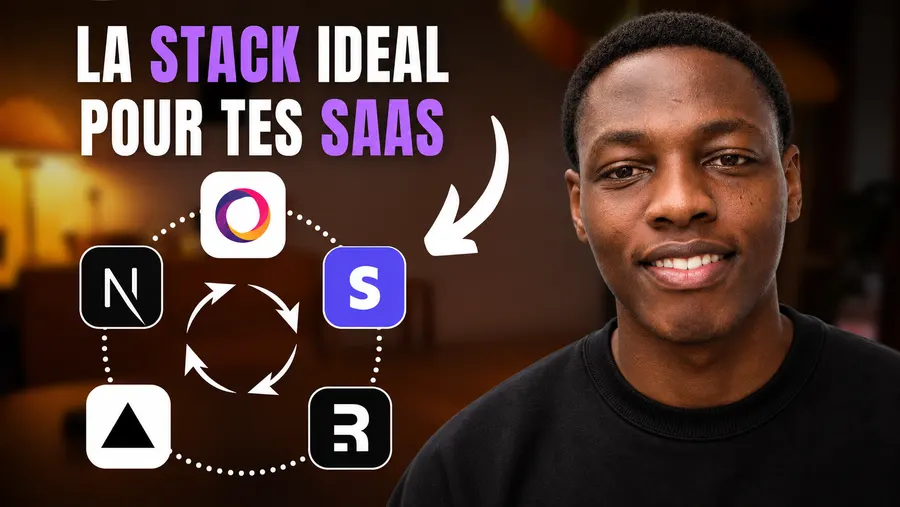

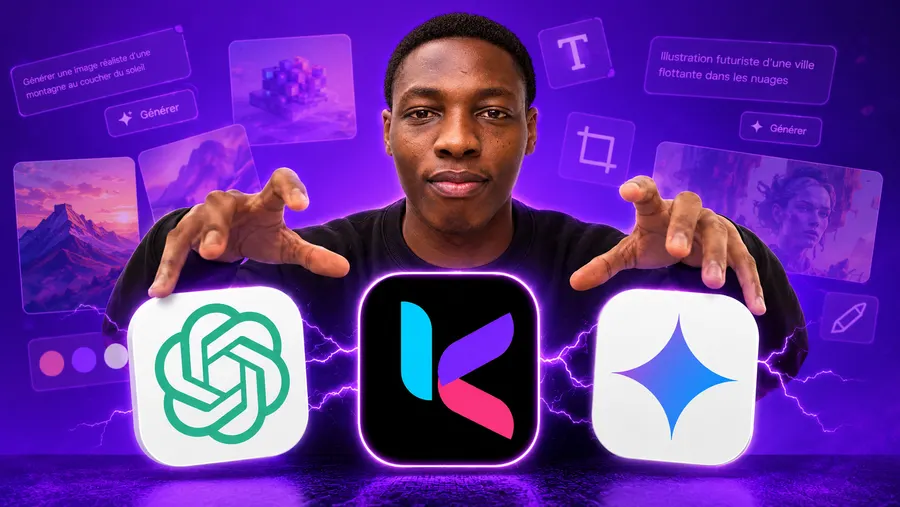
Three hours of editing. Five minutes of thumbnail.
Yet the thumbnail decides whether those three hours mattered. Video or article, nobody clicks when the image says nothing.
What generic AI will never have: your channel.
Kreafy does not start from an empty prompt. It starts from three things you already have.
One photo. Every thumbnail you make.
Save your face once. Kreafy starts from that photo on every generation, whatever the video is about.

Your next thumbnail is three steps away.
No software to open. You describe, Kreafy generates, you choose.
- 1
Get your pieces ready
One photo is enough to create your Person. Paste the YouTube links of the thumbnails that inspire you.
- 2
Describe your idea
One sentence is enough. Add your Person, a reference for the style, and 1 to 4 variants.
- 3
Generate, then download
Compare the variants, keep the one that lands, upload. Under 60 seconds.
Frequently asked questions
Yes. Kreafy generates at 1280×720 (16:9), the size YouTube recommends, ready to upload with no cropping. You can also generate in 9:16 for Shorts and Reels, and in 1:1 for a podcast cover.
Yes. You save a reference photo once, and Kreafy reuses it on every generation. It is you on the thumbnail, not someone who roughly looks like you.
Yes, that is the whole point. Kreafy analyses the structure of a thumbnail that performs (framing, contrast, hierarchy, emotion) to replay it with your content. It copies neither the images nor the text of the source.
The free plan includes 5 credits, no credit card. A generation costs up to 2 credits, and the exact cost is shown before you launch: enough to test on your next few videos.









Ready to make the thumbnail people notice?
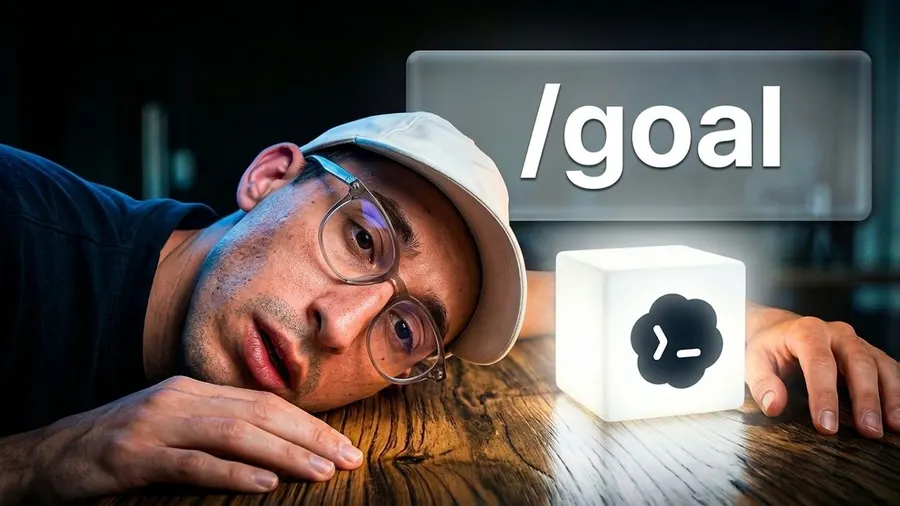
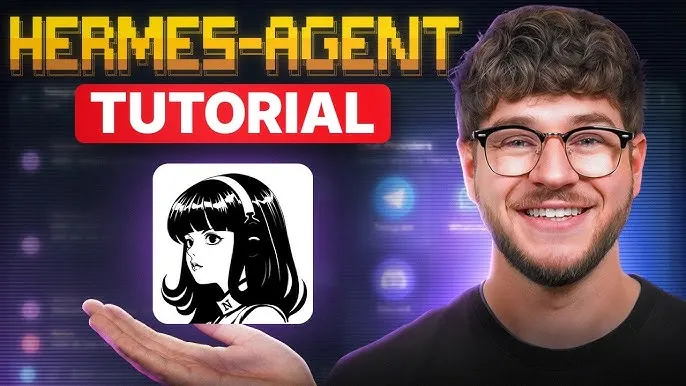
Try it today: 5 free visuals, no credit card.